This tutorial will take you through how to rent an NFT on Cardano.
Contents
There may be various collections with airdrops or temporary utility that you need. Renting the NFT and returning it to the user could be much more affordable than paying the high price for some of these utility NFTs.
Why Would You Rent an NFT?
A good example of why you would want to rent an NFT is the TapTools NFT. These Tappy’s unlock PRO features on the TapTools platform are useful for traders.
Xerberus also has its own NFT collection, which can be used to unlock PRO data on its platform about projects and their tokens. These NFTs range in the thousands of ADA to purchase on a secondary marketplace but can be rented for as low as 1 ADA a day.
Certain games built on Cardano, such as Cornucopias, require users to have an asset with certain rarities to download and play the game. Being able to rent an NFT to unlock access temporarily to try the game before committing to purchasing is a great case for why you would rent an NFT.
There are a multitude of different projects and other utilities that benefit the holders of the NFTs.

Steps on How to Rent an NFT
Following these steps, you can rent an NFT and become a part of that NFT collection’s ecosystem.
Total time 15 minutes
Connect your wallet & navigate to Rent

Connect your wallet in the top right corner of the website and navigate to “Rent” from the top navigation.
Select the collection

Select the NFT collection you wish to rent.

Select the NFT you wish to Rent
Choose amount of days

Select the number of days you would like to rent the NFT for.
Check the details

Check the overall rental details and click “Continue”.
Check and sign the transaction

Check the transaction is doing what you expect and sign the transaction.
Success! You have Rented an NFT!
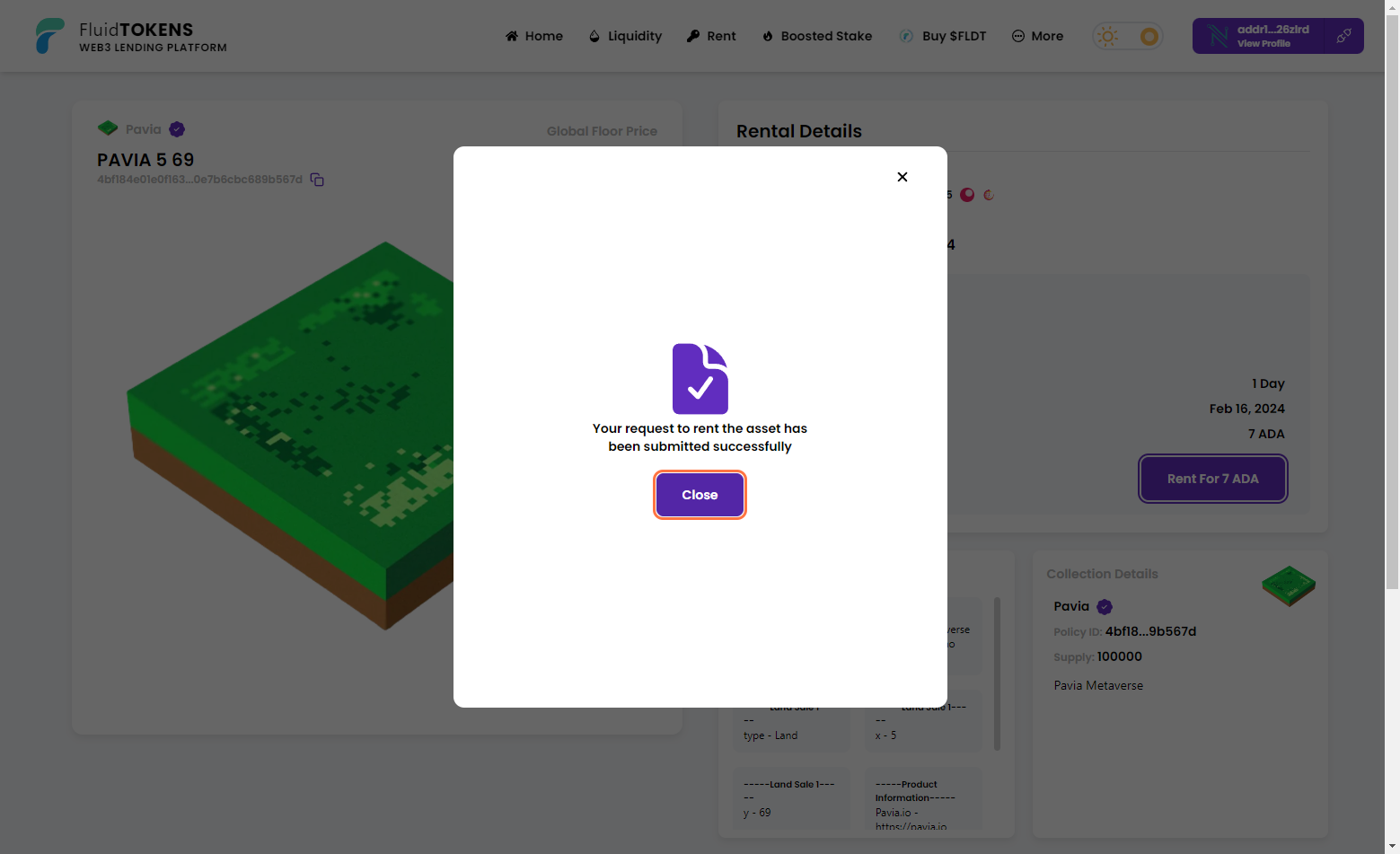
You have successfully rented your first NFT.
Verifying Your Rented NFT
It is important to note that the NFT does not appear in your wallet. The NFT is associated with your wallet via the smart contract. You can connect your wallet to a third-party DApp, in this case, the Pavia land map, and check to see if the NFT has registered against your wallet.

Managing Your Rented NFT

You can always access your rentals from the profile screen within Fluid Tokens. You will be able to see all the assets that are associated with your wallet and have the ability to extend your rental.
Be sure to check out our other tutorials on how to lend your NFTs and earn extra ADA.